Forget Suno: Run the Ultimate AI Music Studio LOCALLY (100% Free)
June 17, 2026 - Ai ganeration music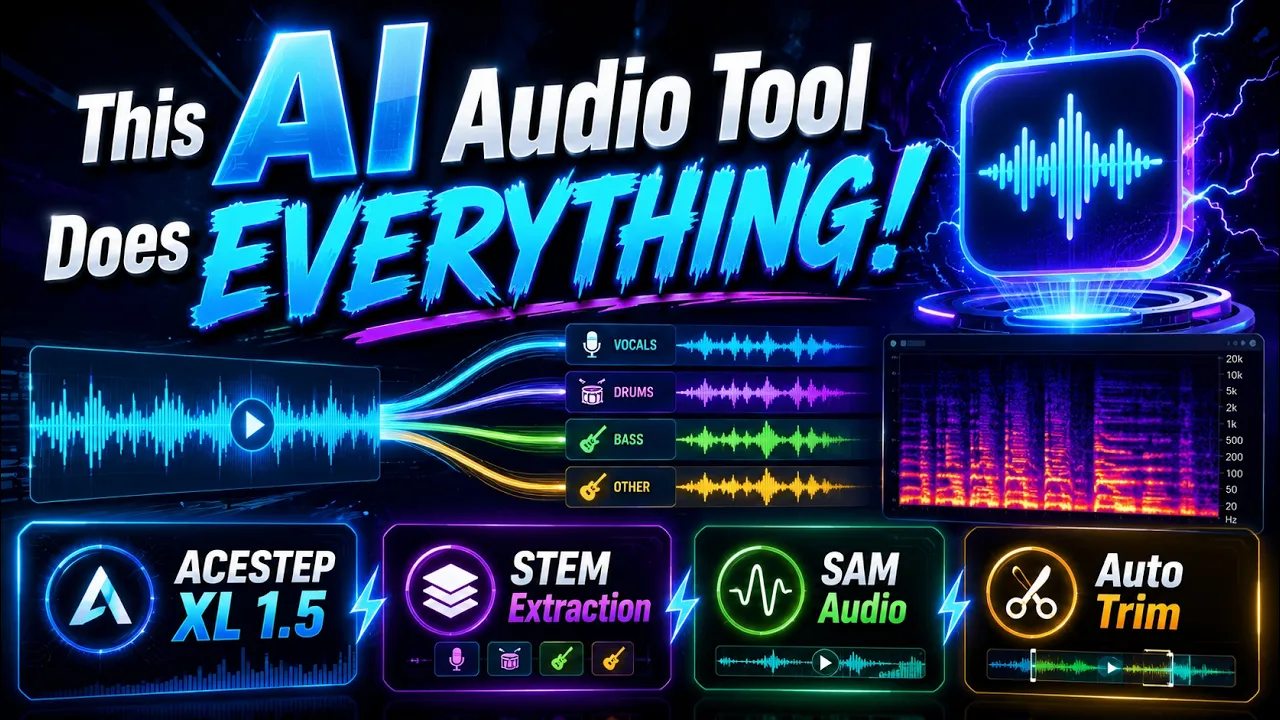
Essential links:
📥 App/latest zip: https://www.patreon.com/posts/ACESTEP-XL-Premium-SAM-Audio-157675060
▶️ Windows requirements guide: https://youtu.be/DrhUHnYfwC0
💬 Discord/help/community: https://discord.com/servers/software-engineering-courses-secourses-772774097734074388
Video Chapters:
0:00 Intro: ACESTEP XL 1.5 Premium local music, segmentation and processing tutorial
0:52 Fast song generation examples across styles in under one minute
1:55 Output manifest proof, 40-second generation time and supported models
2:29 Turbo/SFT/Base models, LoRA support, GPU presets and Torch Compile boost
3:10 Remix feature preview, same-lyrics requirement and responsible usage note
4:16 Repaint mode: regenerate and merge only a selected song section
5:38 Extract mode: stems, silence trimming, all-stems and batch folders
6:30 Lego mode: add an instrument stem such as guitar into existing audio
7:25 Audio Processing presets and manual enhancement controls for AI songs
8:35 Auto-Editor silent trim for tutorials, videos, audio and workflow export
9:48 DaVinci/Premiere/Final Cut/ShotCut/Kdenlive timeline export demo
11:01 SAM Audio Segment: BF16 models, VRAM presets and advanced segmentation
11:47 SAM outputs demo: vocals, drums, bass, remaining audio and saved files
12:47 Custom SAM prompts, semicolon batch segmenting and speech cleanup example
14:19 Batch processing, load metadata, manifests, saved settings and presets
15:09 Why local open-source models matter and where to run ACESTEP
15:55 Windows install begins: Patreon zip, changelog, attachments and download
16:53 Windows requirements tutorial before Python/CUDA/C++/FFmpeg setup
17:29 Extract zip safely, avoid bad paths and run Windows_Install_or_Update.bat
18:24 Automatic VENV, FFmpeg, UV install, model downloads and hash verification
19:24 Turbo default vs all-model download for SFT/Base and BF16 safetensors
20:32 First Windows launch, default Generate Song test and CMD progress
21:44 Model recommendations, VRAM tiers, languages, vocals and MP4 image output
23:29 Torch Compile setup for faster repeated generations
24:05 Outputs folder, model switching and full remix setup workflow
25:24 Practical remix loop: adapted lyrics, strength, reference audio and seed lock
28:03 Repaint workflow with source range preview, generated result and comparison
29:13 Recap: extraction, Lego, audio processing and SAM text-prompt usage
30:20 Windows wrap-up, LoRA training teaser and move to cloud installs
31:16 RunPod setup: credits, template, CUDA filters, GPU choice and storage
34:53 Upload zip in Jupyter Lab, extract, run instructions and handle installs
35:43 RunPod errors, resume behavior, model downloads and hash verification
38:04 Start ACESTEP on RunPod with Gradio Live, proxy ports and persistence
40:18 Add 7860/7861 ports, verify storage reuse and rerun installer after resume
42:10 RunPod connection troubleshooting and Gradio Live recommendation
44:12 Fix corrupted VENV/stale handle errors, reinstall safely and retest
47:24 Successful RunPod relaunch, default generation, nvitop and loading tips
49:26 RunPod first load vs fast inference, 15-second second generation example
51:02 Download outputs and delete RunPod pods/storage to stop spending
53:30 Massed Compute setup: coupon, Creator image, GPU prices and ThinLinc
57:13 Massed install from extracted folder, Linux notes and ultra-fast downloads
59:18 Start app on Massed Compute via localhost or Gradio Live
1:00:23 Default Massed generation, nvitop, faster loading and speed test
1:02:03 Sync/download outputs and delete Massed Compute instance safely
1:03:25 SimplePod setup: template, persistent volume, pricing and GPU choice
1:06:39 Jupyter upload, direct file browser, install command and model downloads
1:08:21 Start SimplePod, Gradio Live, default generation and one-time load errors
1:09:31 nvitop monitoring, newer driver/CUDA details and generation completion
1:10:42 Direct output/model downloads through SimplePod file browser
1:11:42 Delete instance, keep storage, relaunch GPU and verify install
1:13:15 Discord, subreddit, changelog, update guidance and support links
1:14:30 Final cleanup: terminate servers, delete storage and LoRA training outro
#ACESTEP #AIMusic #LocalAI #RunPod #MassedCompute #SimplePod #SAMAudio
I Tested 4 AI Music Generators… Here’s the One I’d Pay For
🎁 Download the free AI Music Production Starter Kit here: https://esentialmusicproductions.com/ai-music-starter-kit/ I tested 4 of the best AI music tools to find out which one is actually the best for music producers, singers, DJs and anyone who wants to create music with artificial intelligence. In this video, I compare different [...]| Play | Cover | Release Label |
Track Title Track Authors |
|---|