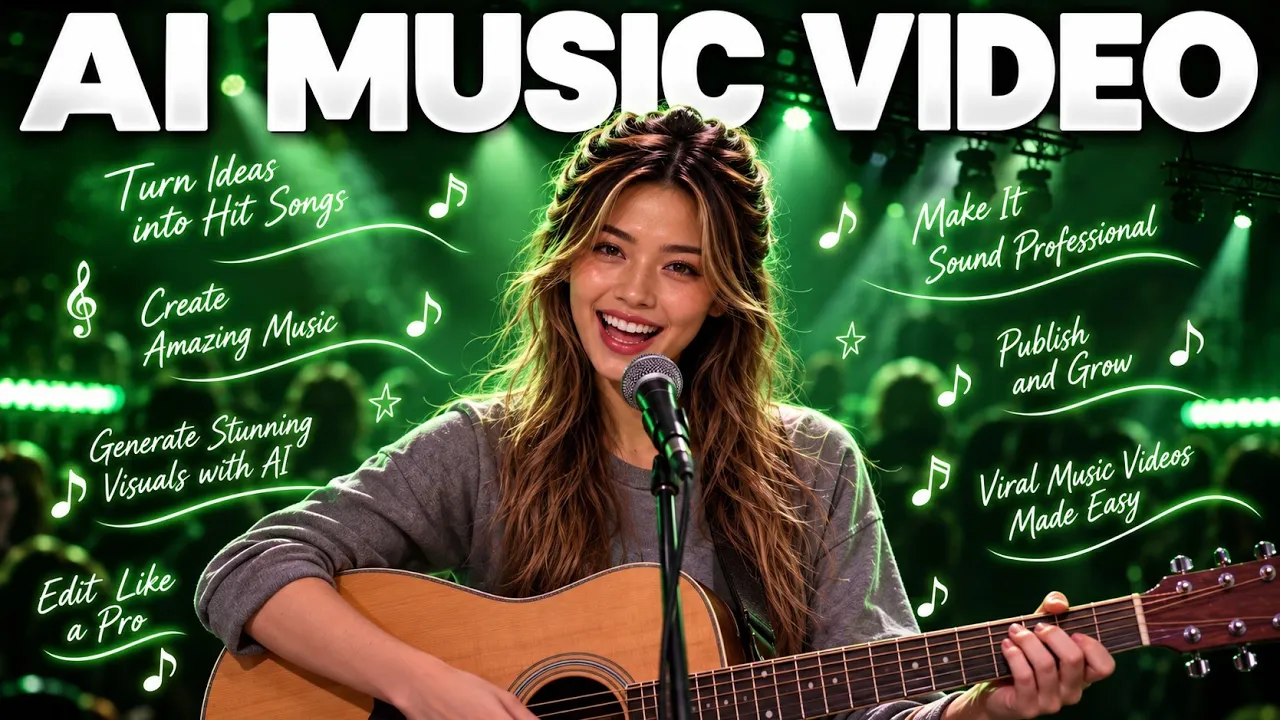
🎵 Try heybop Ai: https://heybop.ai/create?utm_source=partner&utm_campaign=kol-lunaai&promo=LUNA
🎁 Try it free and use code LUNA for 20% off your first month.
What if you could create an AI song and turn it into a complete music video — with visuals and cuts matched to the beat — all in one workflow?
In this video, I’m showing you how to use heybop to create an AI-generated song and transform it into a complete AI music video. You can also bring in your own song, including tracks created with AI music tools like Suno or Udio, and turn them into music videos.
You’ll see the complete workflow — from creating a song in Music Lab and choosing the genre and mood to selecting a visual look, setting up the video concept, generating the scenes, previewing the finished music video, and regenerating an individual scene without having to recreate the entire video.
In this tutorial, you will learn:
• How to create an AI song with heybop
• How to turn a song into an AI music video
• How to use Suno or Udio tracks with heybop
• How to choose a visual look for your music video
• How to create a K-Pop-inspired AI music video
• How to generate a 16:9 music video for YouTube
• How heybop creates multiple scenes around your music
• How to regenerate a single scene without recreating the entire video
• How to create beat-synced AI music videos
• How to go from an AI song to a finished music video
🎬 heybop – AI MUSIC VIDEO CREATION
heybop turns your song into a music video with visuals cut to the beat, in minutes. You can upload your own music, use tracks created with tools like Suno or Udio, or create a song directly in heybop and continue into the music-video workflow.
For this video, I created my song directly inside heybop, selected a K-Pop Stage visual style, chose a 16:9 landscape format, and generated a complete music video with 12 different scenes.
And if there’s one particular scene you don’t like, you can regenerate that individual scene while keeping the rest of the music video.
🎁 TRY HEYBOP
Sign up through the link and your first 30-second video is free, no card needed.
👉 https://heybop.ai/create?utm_source=partner&utm_campaign=kol-lunaai&promo=LUNA
🎁 Use code LUNA for 20% off your first month.
If you enjoyed this AI music video tutorial, make sure to like the video and subscribe for more AI tools, AI filmmaking, AI music generation, and creative workflows.
Let me know in the comments what kind of music video you would create with heybop! 🎵
#AIMusic #AIMusicVideo #heybop #AIVideo #AIFilmmaking
ai music video, ai music video generator, heybop, heybop AI, AI music generator, create music video with AI, Suno music video, Udio music video, turn Suno song into music video, turn Udio song into music video, AI filmmaking, AI video generator, cinematic AI music video, AI generated music video, how to make AI music video, music video with AI, AI music production, AI video generation, AI music workflow, AI tools for creators, AI content creation, K-Pop AI music video, beat synced music video, AI song generator, AI music video tutorial
Suno Studio 2.0 Changes EVERYTHING! Full AI Music Production Demo
Suno Studio 2.0 introduces advanced AI music production tools, moving beyond simple generation to full track control. Suno: https://suno.pxf.io/9VeeaE 0:00 Introduction to Suno Studio 1:25 Getting started in the studio 3:53 Transport and audio tools 5:37 Stem extraction and layering 8:15 Adding effects and mixing 11:05 Mixing and panning techniques [...]| Play | Cover | Release Label |
Track Title Track Authors |
|---|